Features
What-If, stress, and Goal Seek
Ask "what if" in a controlled way. Stress analysis and advanced sensitivity change a copy of the model in memory, not the cells of your model. What-If sets your input cells for a time and gives each cell its value back at the end.
What-If
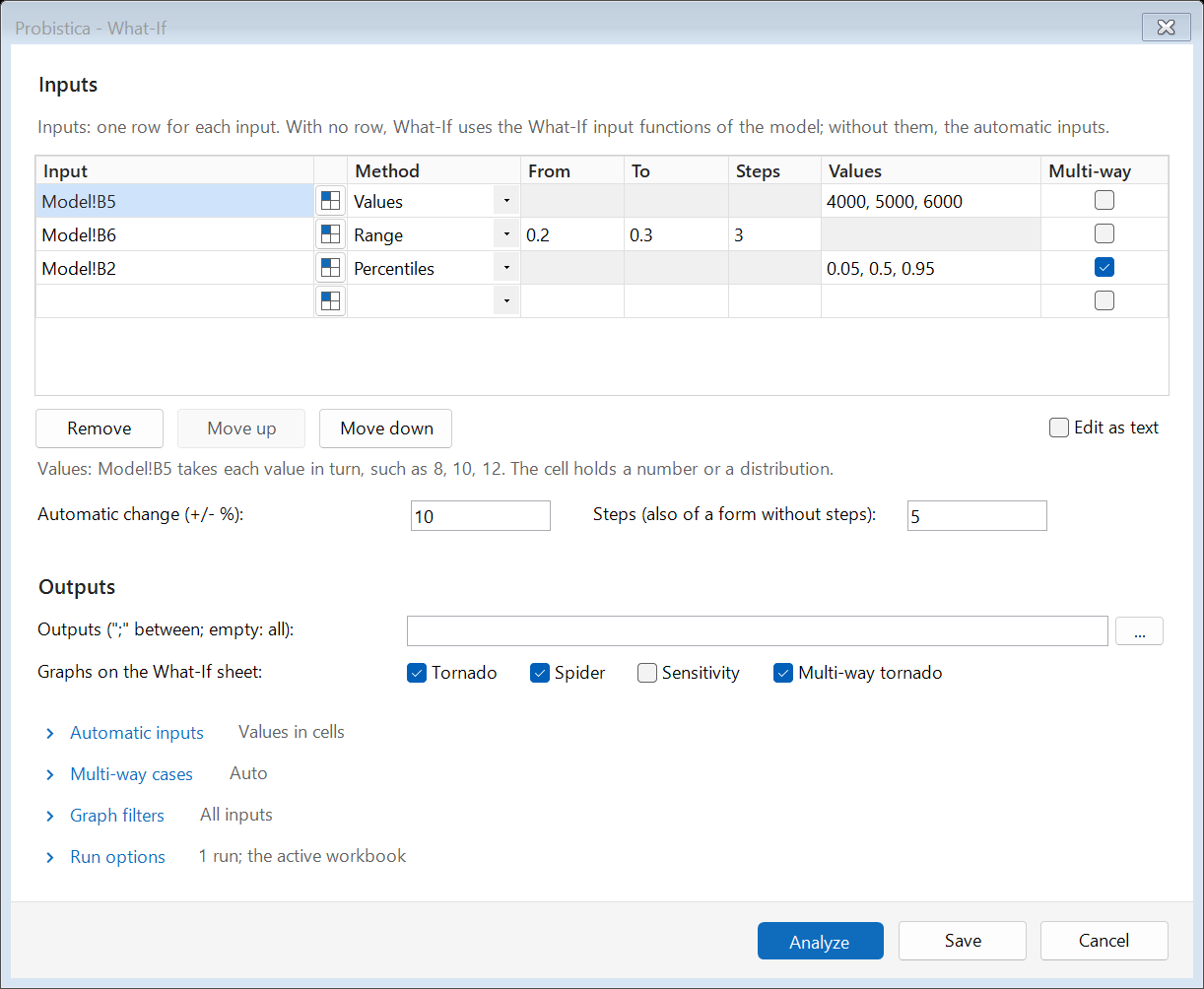
What-If calculates the model with each input at each of its values and shows how each output changes. Give the values, a range, percentiles, or a percent change for each input. Mark inputs as multi-way to try their combinations.
With no input rows, What-If varies the numbers that the outputs read, from -10% to +10%. The What-If sheet has a tornado and a spider graph of each output.
Stress analysis
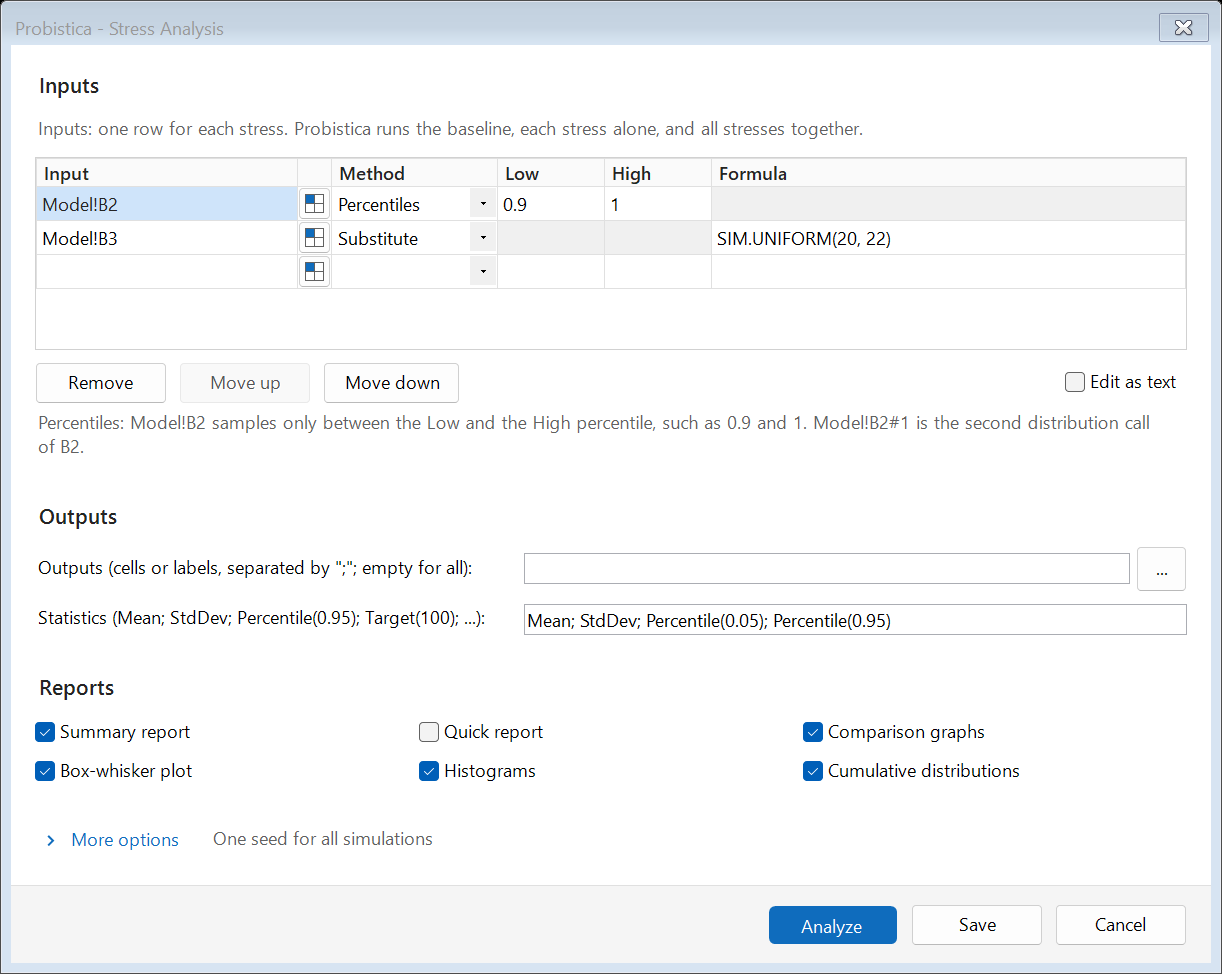
Stress analysis runs the baseline, each stress alone, and all stresses together. A stress can sample an input only between two percentiles, or put another distribution in its place.
The analysis sheet has a summary report, comparison graphs, box-whisker plots, histograms, and cumulative curves.
Advanced sensitivity
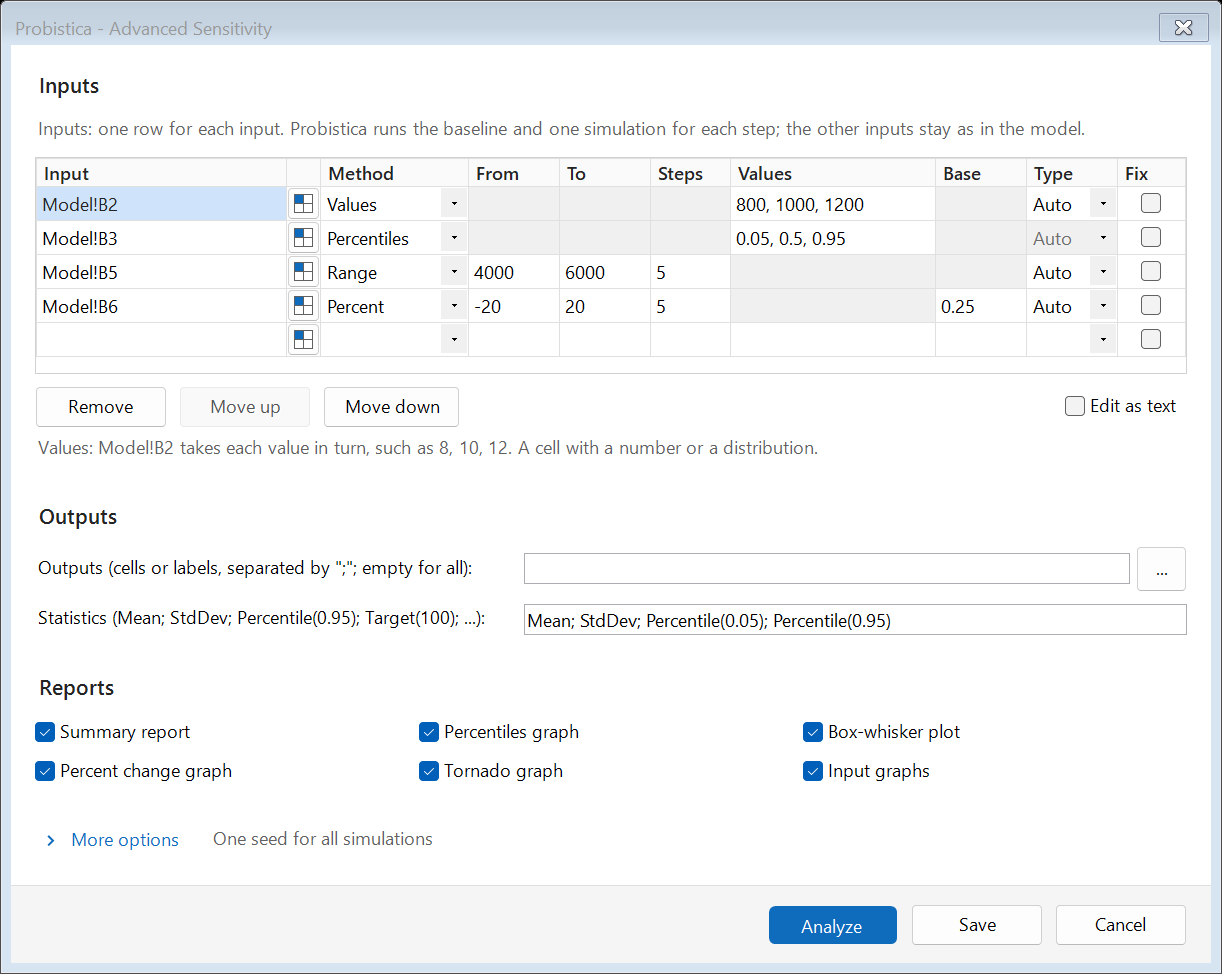
Advanced sensitivity runs one simulation for each step of an input. The other inputs stay as in the model. Compare the output statistics in a box-whisker plot, a percentiles graph, a percent change graph, and a tornado graph.
Goal Seek on a statistic
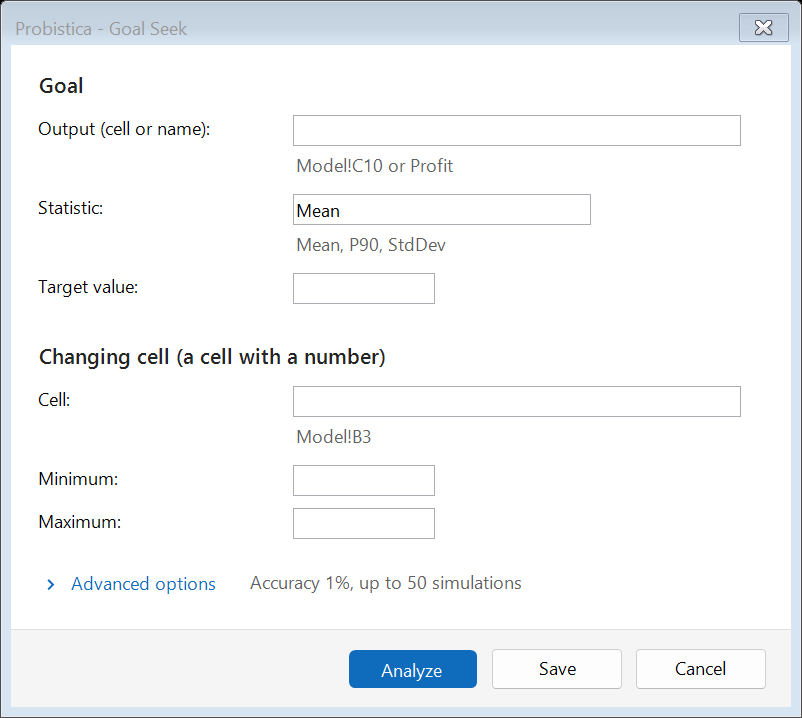
Goal Seek finds the value of a cell that gives an output statistic its target. For example, find the price that gives a mean profit of 1,000. Probistica asks before it writes the solution to the cell.